Downloading the Extension
1. Launch the Chrome Browser and go to the Chrome Web Store.
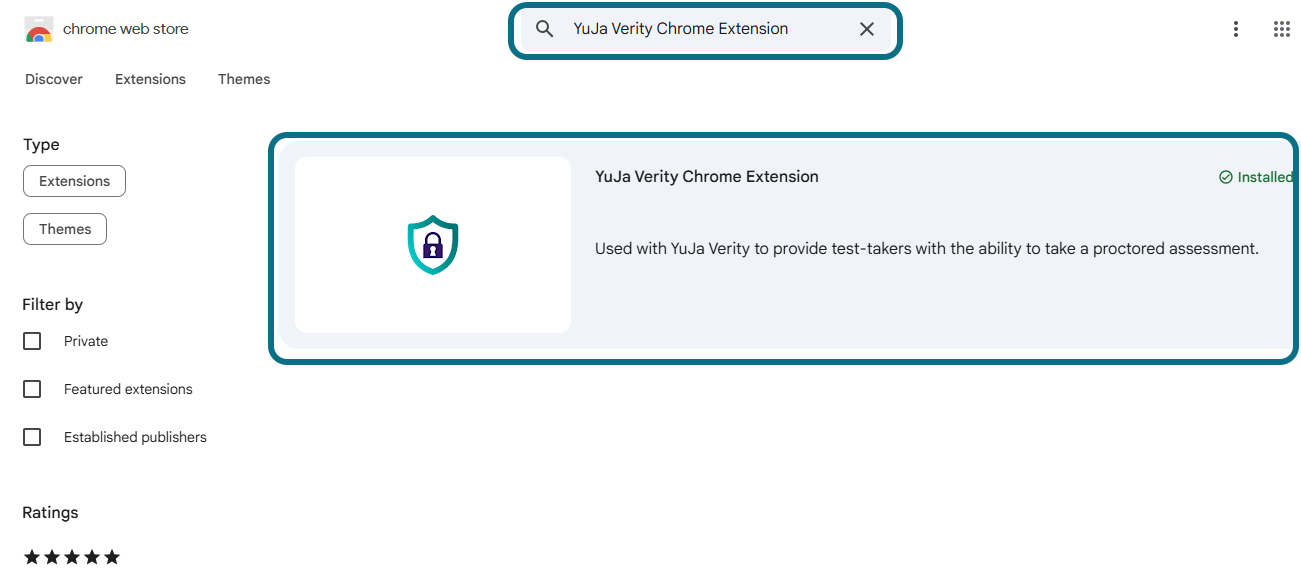
2. In the search bar, enter YuJa Verity Chrome Extension to search for the extension. Select the YuJa Verity Chrome Extension.
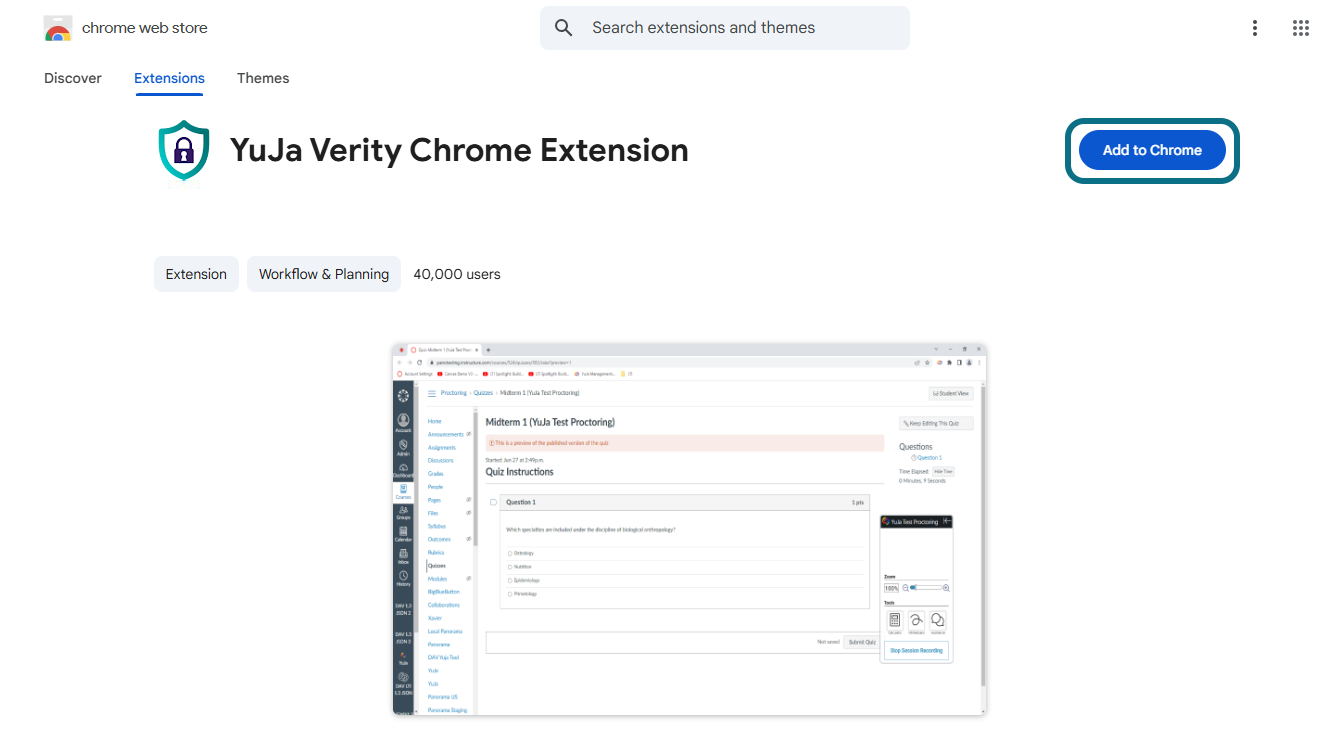
3. Click the Add to Chrome button to add it to your browser.
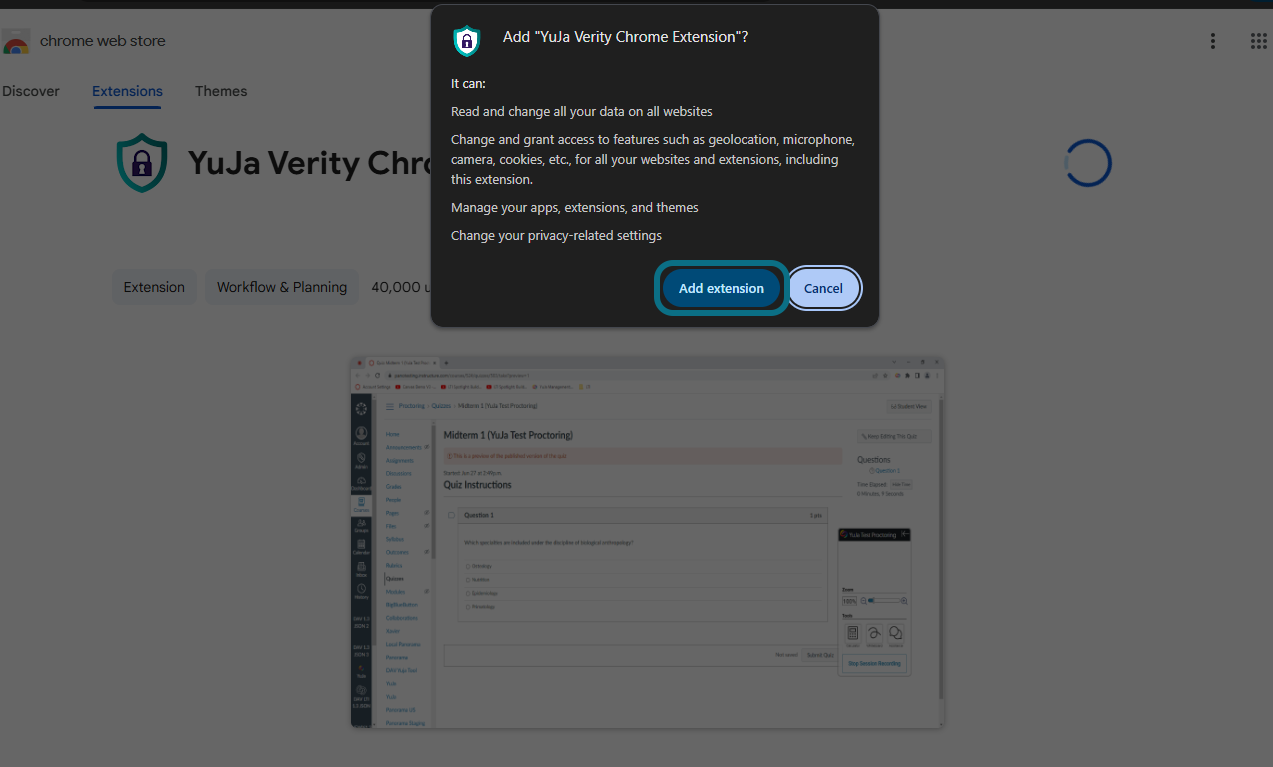
4. Click Add extension to download the Verity Browser Extension. Once added, the extension will automatically be enabled.